

Latest Version
mSeven Software
Security
Windows
Free
9nblggh62pc8
Report a Problem
More About mSecure - Password Manager and Digital Wallet
An Editorial Review of mSecure Password Manager
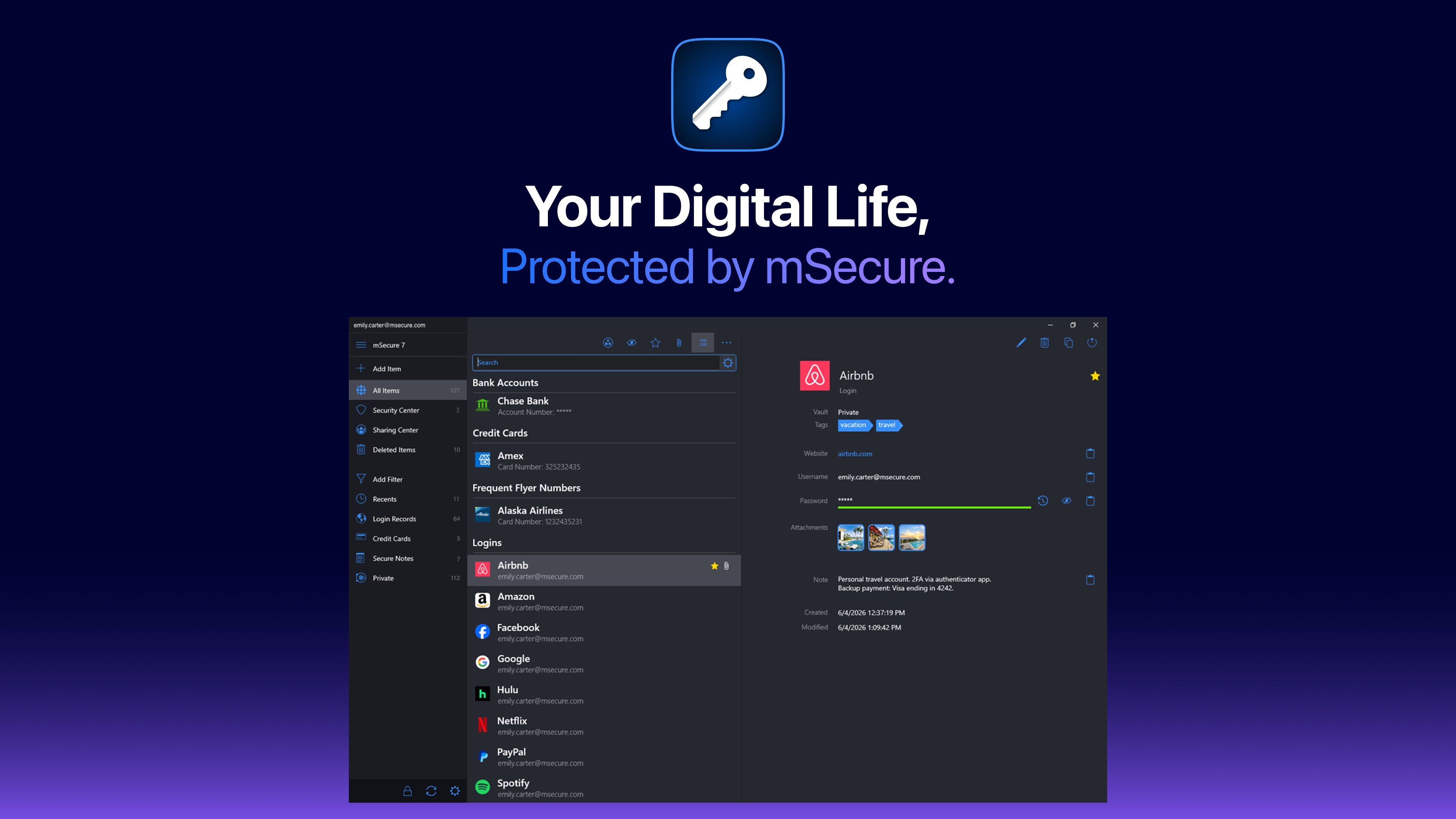
In an era where digital security is paramount, finding a reliable way to safeguard your credentials is essential. Our editorial review takes a look at mSecure Password Manager, a robust security application developed by mSeven Software for Windows and other major platforms. This utility serves as both an encrypted vault and a digital wallet, aiming to simplify your digital life without compromising on safety.
Practical Day-to-Day Utility: What Can You Actually Do?
Unlike basic credential savers, mSecure Password Manager is designed to handle a wide array of sensitive data types. Here is how you can integrate it into your daily workflow:
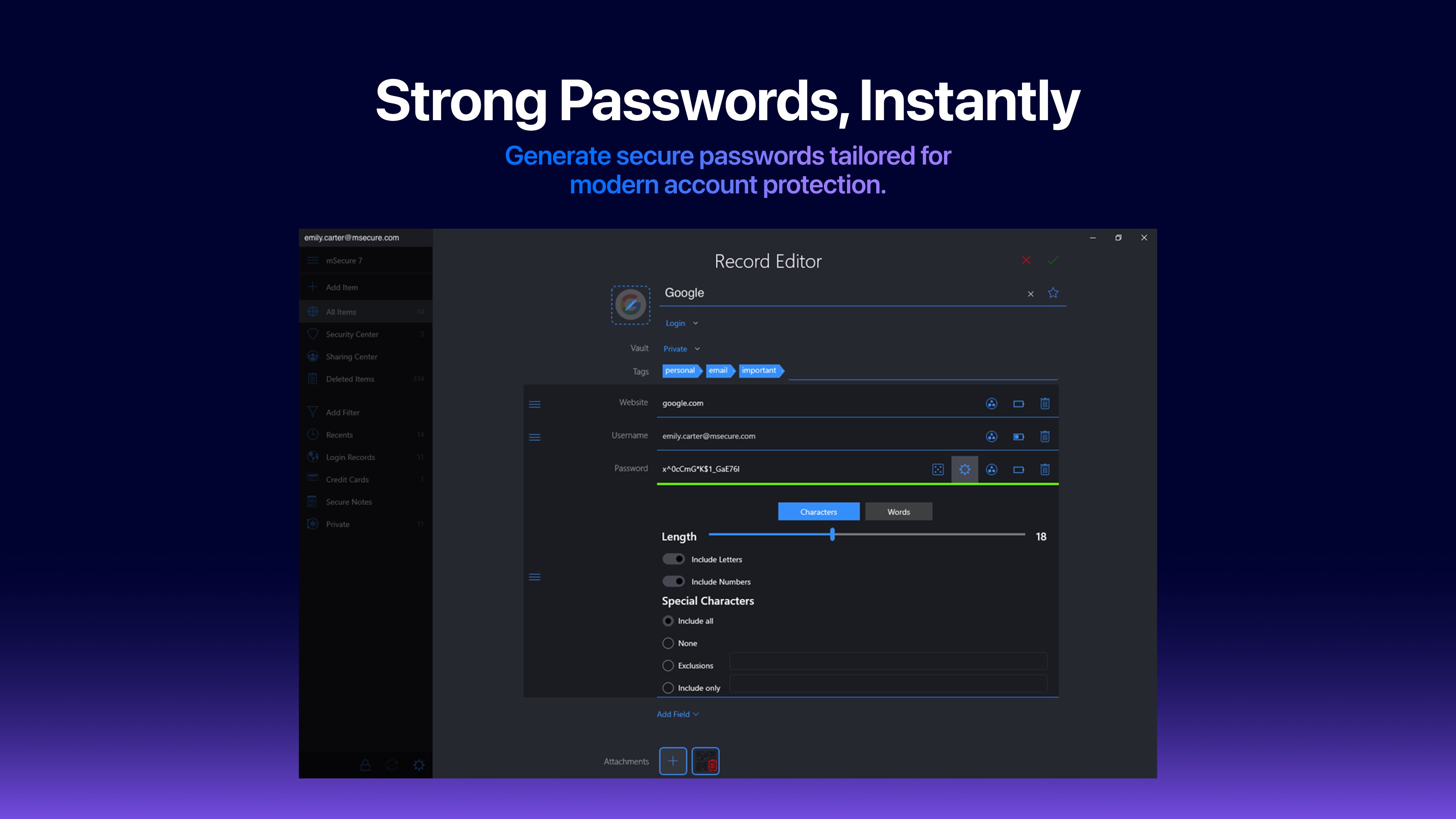
- Generate and Auto-Fill: Instantly create complex, high-entropy passwords and let the app auto-fill them into your Windows browsers and native applications.
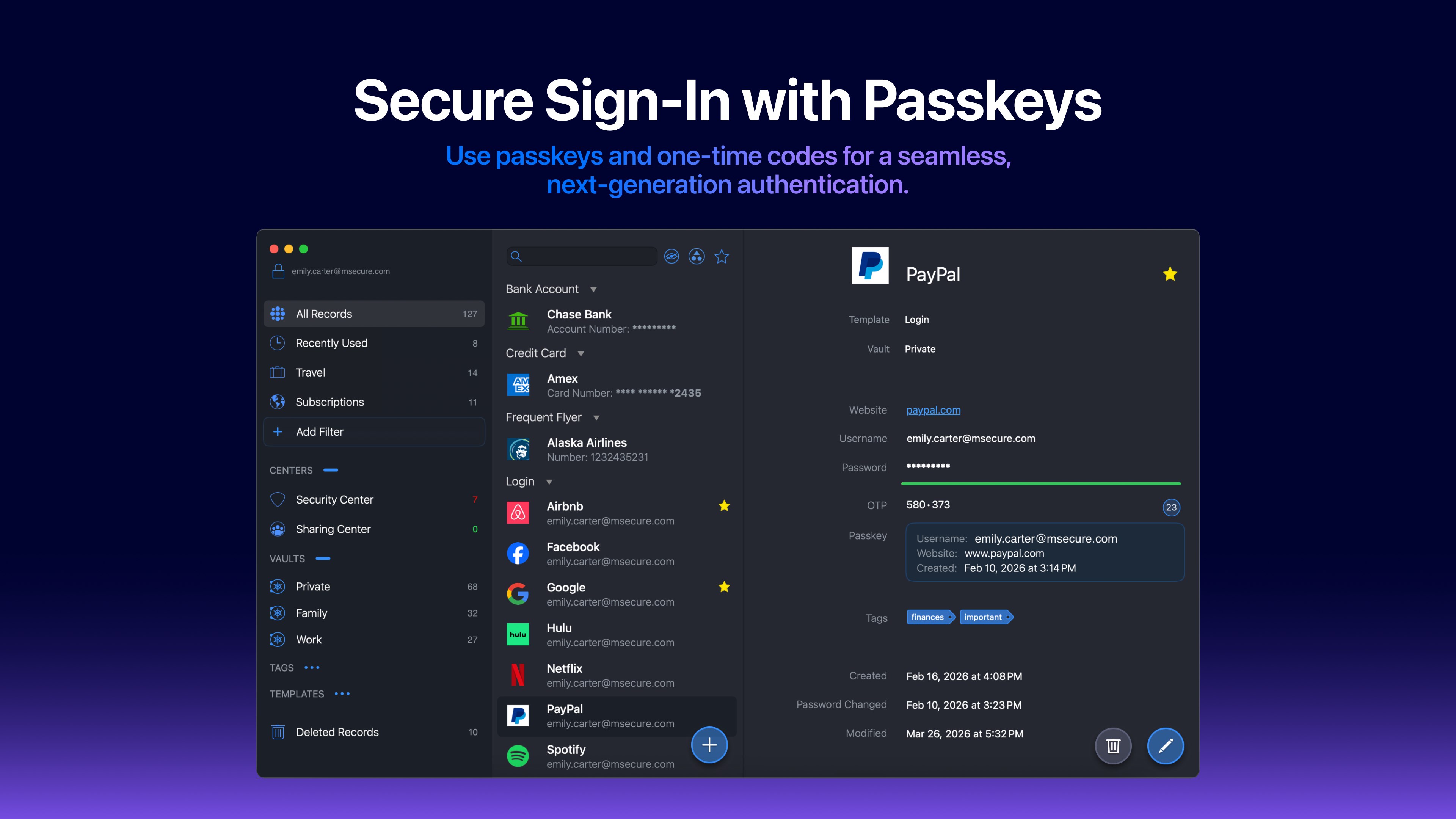
- Consolidate Two-Factor Authentication: Store your login credentials alongside their respective one-time password (OTP) generators, eliminating the need for a secondary authenticator app.
- Organize Diverse Data Types: Securely store physical card details, identity documents, private notes, and custom templates using more than 20 built-in layouts.
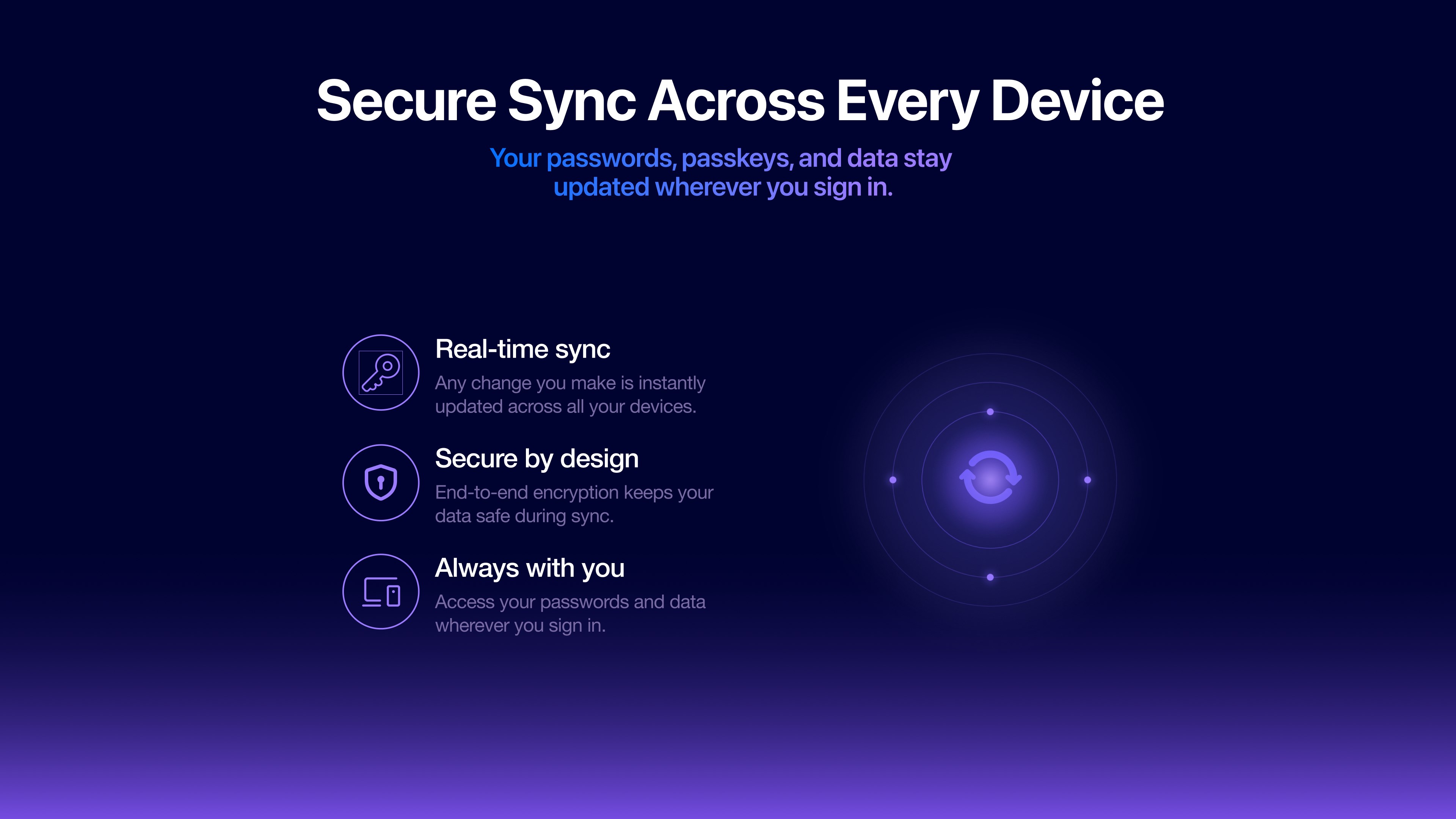
- Flexible Syncing Options: Choose how your sensitive data travels. You can sync via the proprietary mSecure Cloud, opt for third-party integration like Dropbox, or keep your data entirely local using Wi-Fi syncing.
Security Architecture and Tiered Features
At its core, mSecure Password Manager operates on a zero-knowledge architecture. This means your master key never leaves your local device, and your stored records are protected by industry-standard AES-256 encryption. Only you hold the key to decrypt your vault.
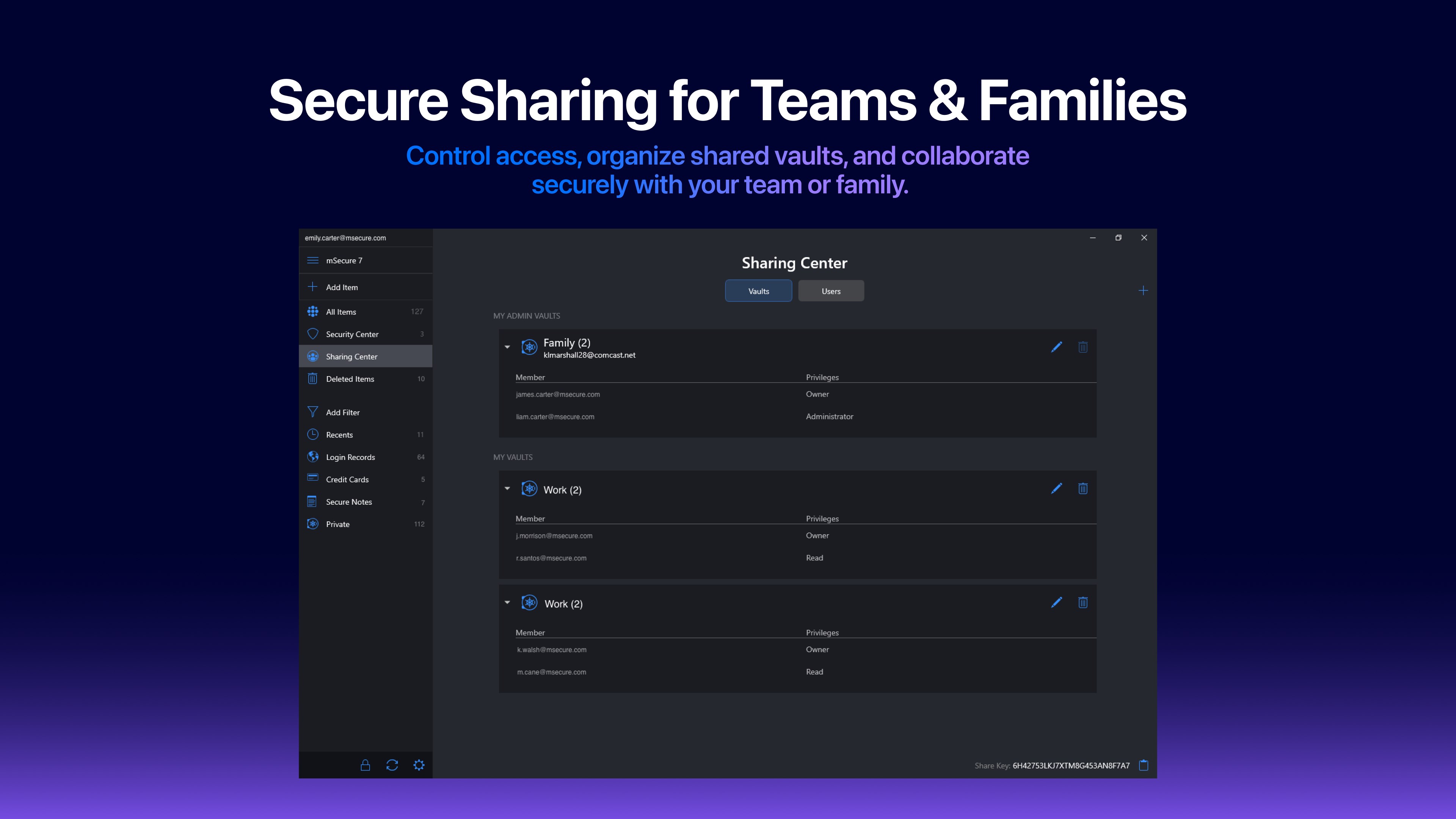
The application structures its offering into tiered service plans to fit different user profiles. The basic free tier provides unlimited record storage, customizable templates, and a password generator on a single device. Upgrading to higher tiers unlocks cross-device syncing, biometric authentication, security center audits for weak credentials, and advanced Sharing Centers for collaborative vaults.
Is mSecure Password Manager Right for You?
This software is highly recommended for users who demand granular control over where their encrypted vaults are stored. The ability to sync strictly over local Wi-Fi appeals greatly to privacy-conscious individuals who prefer to keep their data off the public cloud. If you are looking to streamline your security across Windows and mobile platforms, this utility offers a polished, straightforward experience.
To explore its features, manage your credentials, or purchase a premium license, visit the official Microsoft Store to download mSecure Password Manager directly from the publisher.
Rate the App
User Reviews
Other Apps in This Category







Popular Apps










Editor's Choice