

Latest Version
Luca Weiss
Security
Linux
Free
xyz.z3ntu.razergenie
Report a Problem
More About RazerGenie
The Challenge of Managing Razer Hardware on Linux
Linux enthusiasts who use high-performance gaming hardware often face a frustrating hurdle: the lack of official companion software for peripheral customization. When you plug in a premium keyboard or mouse, you are frequently left with default rainbow lighting cycles and stock sensitivity levels. RazerGenie Linux peripheral configuration solves this exact dilemma, providing an elegant, open-source interface to manage your hardware directly from your Linux desktop.
Developed by Luca Weiss, this utility bridges the gap between raw hardware capabilities and user preference, ensuring you do not have to compromise on your setup's aesthetics or performance just because of your operating system.
Comprehensive Control Over Your Gear
Rather than offering basic on-off toggles, this application provides deep customization options that rival proprietary alternatives. Here is what you can fine-tune using the RazerGenie Linux peripheral configuration tool:
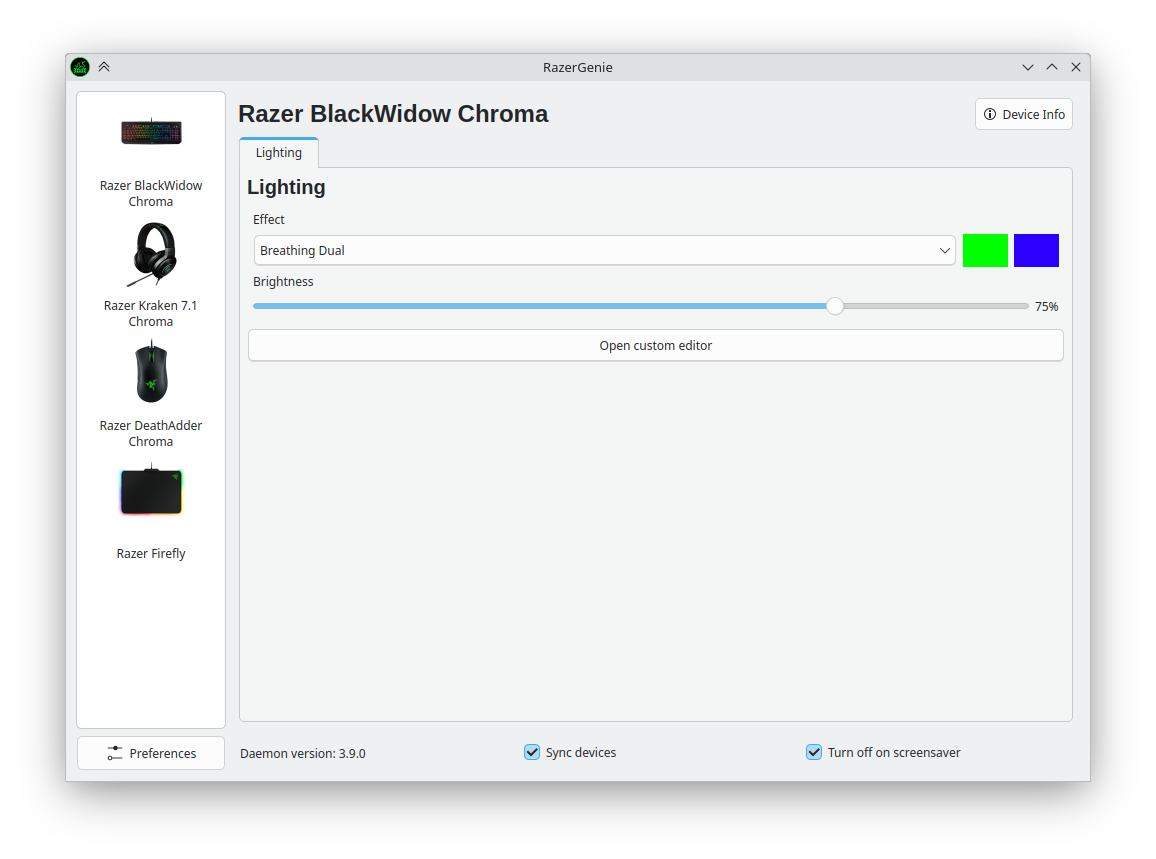
- Dynamic Lighting Adjustments: Easily tweak RGB brightness, color schemes, and active lighting effects.
- Performance Tuning: Set precise DPI levels and adjust polling rates to match your gaming or productivity workflow.
- Broad Hardware Support: The utility is compatible with a vast array of hardware, including keyboards, mice, mousemats, headsets, keypads, speakers, docks, and even specialty items like RGB mug holders.
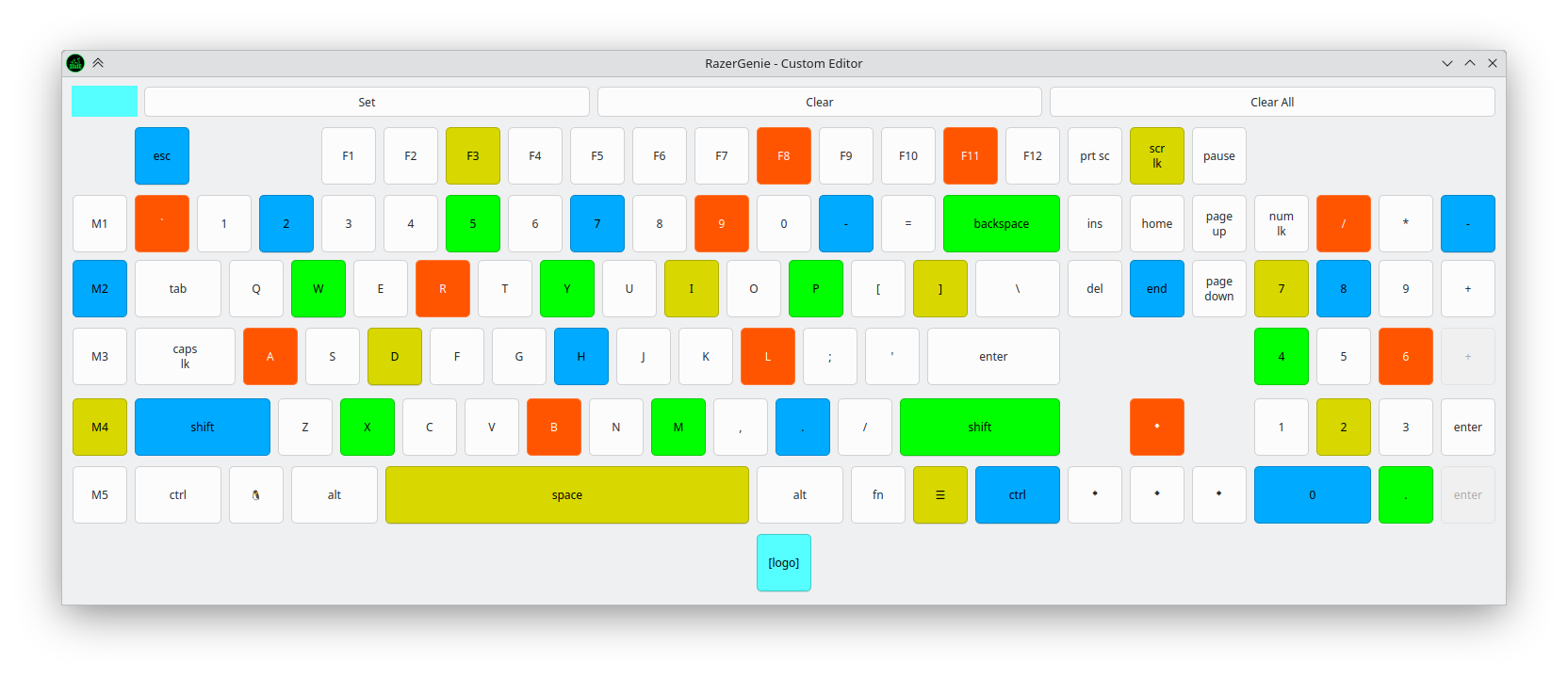
- Per-Key Customization: Take full creative control by designing your own unique lighting maps using the integrated per-key editor.
How RazerGenie Works Under the Hood
To establish a connection with your hardware, RazerGenie utilizes the robust OpenRazer driver framework. It is important to note that this application acts as the graphical front-end; therefore, you must have OpenRazer installed on your host system outside of the Flatpak environment via your distribution's native package manager. Once this backend is active, the interface seamlessly detects your connected devices and presents their adjustable parameters in a clean, intuitive layout.
Who Is This Utility For?
If you are a Linux user who relies on Razer peripherals for gaming, coding, or daily productivity, this tool is an essential addition to your software library. It eliminates the need for virtual machines or dual-booting into alternative operating systems just to change your mouse sensitivity or dim your keyboard lights at night. It is lightweight, straightforward, and respects system resources.
Getting Started with the Application
If you are ready to unlock the full potential of your desktop hardware, you can learn more and access the official package on the RazerGenie Flathub page to integrate it into your Linux environment.
Rate the App
User Reviews







Popular Apps










Editor's Choice